

Back to Blog
8 min readATS & Autofill

What ATS Systems Actually Screen For (And How to Get Past Them)

Most rejections never reach a human. Here is what the parser reads first, the three filters that quietly screen you out, and how to be read correctly without sounding like a machine.

By Sydicom Team

You sent forty applications last month and heard back from two. It is tempting to read that as a verdict on you. Most of the time it is not. The majority of applications are read first by software, and a large share are filtered out before a recruiter ever opens them.

That software is the Applicant Tracking System, or ATS. Greenhouse, Lever, Ashby and Workable handle the bulk of the roles you apply to. Understanding what they screen for is the difference between a resume that lands in front of a person and one that quietly disappears.

The myth of the resume black hole

People talk about the "application black hole" as if submissions vanish at random. They do not. An ATS is closer to a filing clerk with no patience. It reads your resume, pulls out structured data, and files you under a search the recruiter will run later. If it cannot read you cleanly, it files you badly, and a badly filed candidate is rarely found.

So the goal is not to trick the system. The goal is to be read correctly. That is a much easier problem, and it is mostly in your control.

What the parser reads first

Before any keyword matching happens, the parser tries to turn your document into fields. In rough order of what it looks for:

  • Your contact block. Name, email, phone, location and links. If these sit inside a header, a text box or a two-column sidebar, weaker parsers miss them.
  • Work history with dates. Company, title, start and end dates, in that structure. Reversed or ambiguous dates confuse it.
  • Titles, in plain words. "Senior Product Designer" parses. "Design Wizard" does not map to anything a recruiter searches for.
  • Skills and tools. The concrete nouns: Figma, React, SQL, Salesforce. These become the keywords you are matched against.
  • Education. Degree, field, institution. Less weighted than experience for most roles, but still parsed.

The three filters that quietly screen you out

Once you are parsed, three things tend to decide whether you surface in a recruiter's shortlist.

  1. Keyword overlap. Recruiters search the ATS for the terms in the job description. If the posting says "stakeholder management" and your resume says "worked with leadership," a literal search will not connect the two. Use the words the role uses, where they are honestly true of you.
  2. Knockout questions. Many forms ask gating questions: work authorization, years of experience, location. A wrong or blank answer can auto-reject you regardless of how strong the rest is. Answer them deliberately.
  3. Recency and completeness. Sparse profiles and missing fields rank lower. A complete, well-structured application is doing quiet work for you long after you submit it.

An ATS is not your enemy. It is a filing clerk with no patience. Make its job easy and it files you under "interview."

How to write for the parser without sounding like one

The fear is that optimizing for software makes you sound robotic. It does not have to. A few habits cover most of it:

  • Use a single-column layout. Save the two-column art for your portfolio, not the document a parser reads.
  • Use real section headings: Experience, Skills, Education. Plain words the parser expects.
  • Mirror the language of the job description where it is genuinely accurate. Do not claim skills you do not have. A keyword that wins an interview you then fail is worse than no interview.
  • Keep dates consistent and standard. Month and year, most recent first.
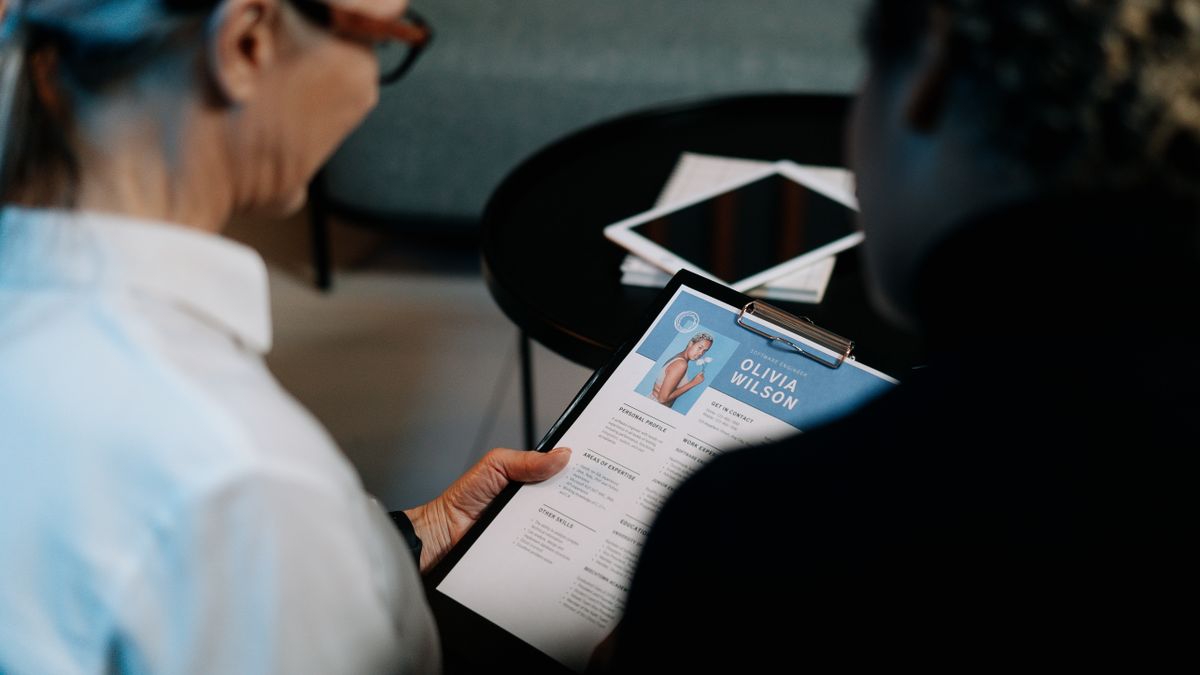
  • Submit a real file, not a screenshot of one. Parsers cannot read images of text.

Where autofill fits in

None of the above changes the most tedious part of applying: the form itself. After the resume is clean, you still type your name, email, links and the same forty fields into every portal, fifty times a week. That is where Sydicom comes in. It reads the ATS form for the role you are on and fills the fields it recognizes, then hands it back to you to review. You always click submit. Sydicom never applies for you while you are away, and never claims to.

A checklist before you hit submit

  1. Contact block is plain text, not buried in a header.
  2. Titles are the ones recruiters actually search for.
  3. The role's key terms appear where they are true of you.
  4. Knockout questions are answered, not skipped.
  5. The file is a document, not an image, and it is the version tailored to this role.

Do these and you stop losing to the filing clerk. The interview was always going to be won by a person. This is just about making sure a person gets to read you at all.

Frequently asked questions

  • Do all companies use an ATS?

    Most mid-size and large employers do, and the major systems (Greenhouse, Lever, Ashby, Workable) cover a large share of online roles. Some small companies still read every resume by hand, but you cannot tell which from the outside, so it is safest to write for the parser every time.

  • Will a perfectly optimized resume guarantee an interview?

    No. Getting parsed and surfaced is necessary, not sufficient. It puts you in front of a human, who still decides on fit. The point is to stop losing at the filing step, which is the part you control.

  • Should I use a Word or Google Docs resume template?

    Simple single-column templates are fine and usually parse well. Avoid templates with sidebars, text boxes, tables, or graphics for key information, since those are exactly what weaker parsers drop.

atsresumejob search